
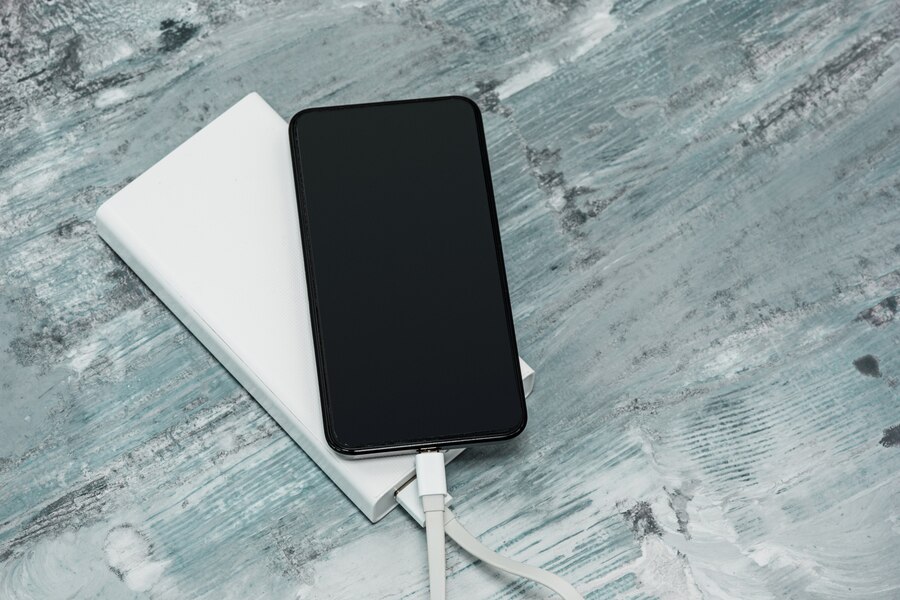
How to Extend the Battery Life of Your Smartphone and Gadgets
Battery life is one of the most important aspects of any smartphone or gadget, yet many users find themselves constantly reaching for a charger. Whether you’re using a smartphone, tablet, wireless earbuds, or any other electronic device, optimizing battery performance can help you get the most out of your gadgets and reduce the need for frequent recharges. Fortunately, there are several simple and effective ways to extend battery life and ensure your devices last longer throughout the day.
One of the most effective ways to preserve battery life is by managing your screen brightness. The display is one of the biggest power consumers on any device, so lowering brightness or enabling adaptive brightness can help conserve energy. Additionally, using dark mode on OLED or AMOLED screens can further reduce battery drain, as these screens turn off pixels to display black, consuming less power. Another tip is to reduce screen timeout settings so your device turns off the display quickly when not in use.
Background apps and services can also drain battery life significantly. Many apps continue running in the background even when you’re not actively using them, consuming power for updates, location tracking, and notifications. Checking battery usage settings on your device can help identify which apps are using the most power, allowing you to close or limit unnecessary ones. Disabling background app refresh, reducing push notifications, and turning off location services for non-essential apps can also help extend battery life.
Wireless connections such as Wi-Fi, Bluetooth, and GPS are other common battery drainers. If you’re not using these features, turning them off can prevent unnecessary power consumption. For example, if you’re in an area with weak Wi-Fi, your phone may constantly search for a stronger signal, using up battery in the process. Switching to airplane mode or manually disabling Wi-Fi and Bluetooth when not needed can help conserve power. Additionally, using low-power mode or battery saver mode, available on most smartphones and gadgets, can automatically adjust settings to reduce energy consumption.
Keeping your device’s battery healthy is just as important as managing power consumption. Avoid exposing your smartphone or gadgets to extreme temperatures, as both heat and cold can degrade battery performance over time. It’s also best to follow proper charging practices—avoid letting your battery drain completely before recharging and try to keep it between 20% and 80% for optimal longevity. Fast charging can be convenient, but excessive use may generate heat, which can wear out the battery faster. If possible, use a slower charger when you’re not in a rush.
Another helpful strategy is to disable unnecessary visual effects and animations, which can use up processing power and battery life. On many devices, reducing motion effects or switching to a static wallpaper instead of a live one can make a noticeable difference in battery consumption. Additionally, managing syncing settings can help—automatically syncing emails, cloud storage, and other accounts too frequently can lead to unnecessary power usage. Adjusting these settings to sync manually or at longer intervals can help save battery.
Finally, regularly updating your device’s software is essential. Manufacturers often release updates that include battery optimizations and bug fixes to improve efficiency. Ensuring that both your operating system and apps are up to date can help improve battery performance and overall device stability.
By following these simple but effective strategies, you can extend the battery life of your smartphone and gadgets, ensuring they last longer throughout the day and maintain better long-term performance. Small changes in daily usage habits can make a significant difference in reducing the need for constant charging and keeping your devices running efficiently for years to come.